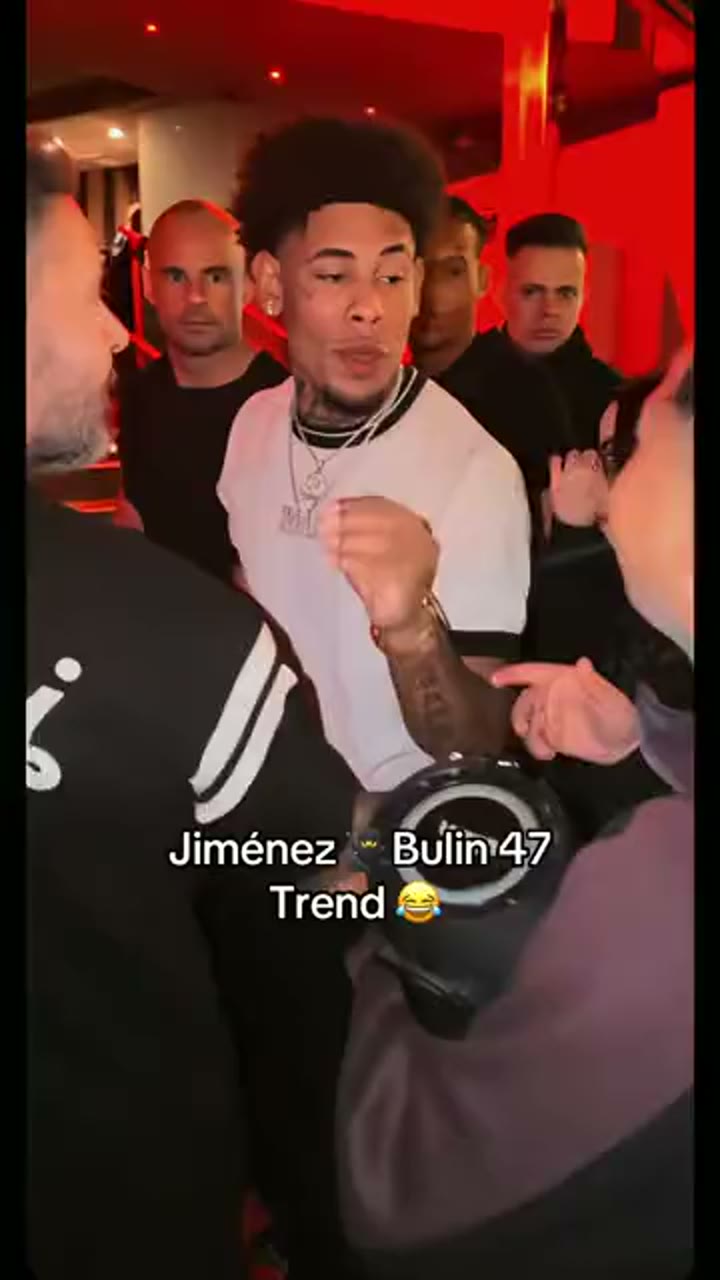
Generated video
When the crowd knows the song
One photo · Club entrance · 14 seconds
The crowd gathers around the rider as the camera moves into the entrance.
Vertical 9:16 · 14 seconds · 1 photo
Sample outputReelora AI
Your photo. The whole scene.
Create a Bulin-47 video with your own photo. Upload one image, choose a version and resolution, and step into the crowded club entrance. The prepared motion reference guides the camera movement and shot timing in this 14-second vertical video.
Bulin-47 video maker
Your photo guides the person in the center of the scene.
14 seconds · vertical MP4 · Failed generations are refunded automatically.
A sample made with Reelora
One photo · Bulin-47 club scene · 14 seconds
Tap any example to play it. Sample people are AI-generated.
A close match to the original
This page uses a prepared motion template instead of asking you to invent every shot. The scene, camera movement and timing are guided by the reference; your photo personalizes the main subject.
The motion reference helps keep the scene recognizable, while AI-generated faces and small visual details can vary between results.
Made with this template
See how the same scene and camera movement translate across different people. Examples use the same template settings.
Generated video
One photo · Club entrance · 14 seconds
The crowd gathers around the rider as the camera moves into the entrance.
Vertical 9:16 · 14 seconds · 1 photo
Generated video
One photo · Club entrance · 14 seconds
A close-up moment in the middle of the crowd, following the same camera path.
Vertical 9:16 · 14 seconds · 1 photo
Generated video
One photo · Club entrance · 14 seconds
The entrance scene and its timing, personalized with a different face.
Vertical 9:16 · 14 seconds · 1 photo
A template, not a blank prompt
Most video tools start with a blank prompt. Bulin-47 starts with a prepared scene and motion reference, so you can focus on choosing a photo and quality.
01 / MOTION
Camera movement, framing and sequence follow the prepared Bulin-47 reference.
02 / IDENTITY
Your uploaded photo guides the main person while the template supplies the surrounding scene.
03 / SIMPLE
Choose quality, review the credit total and generate. Your result is saved to your dashboard.
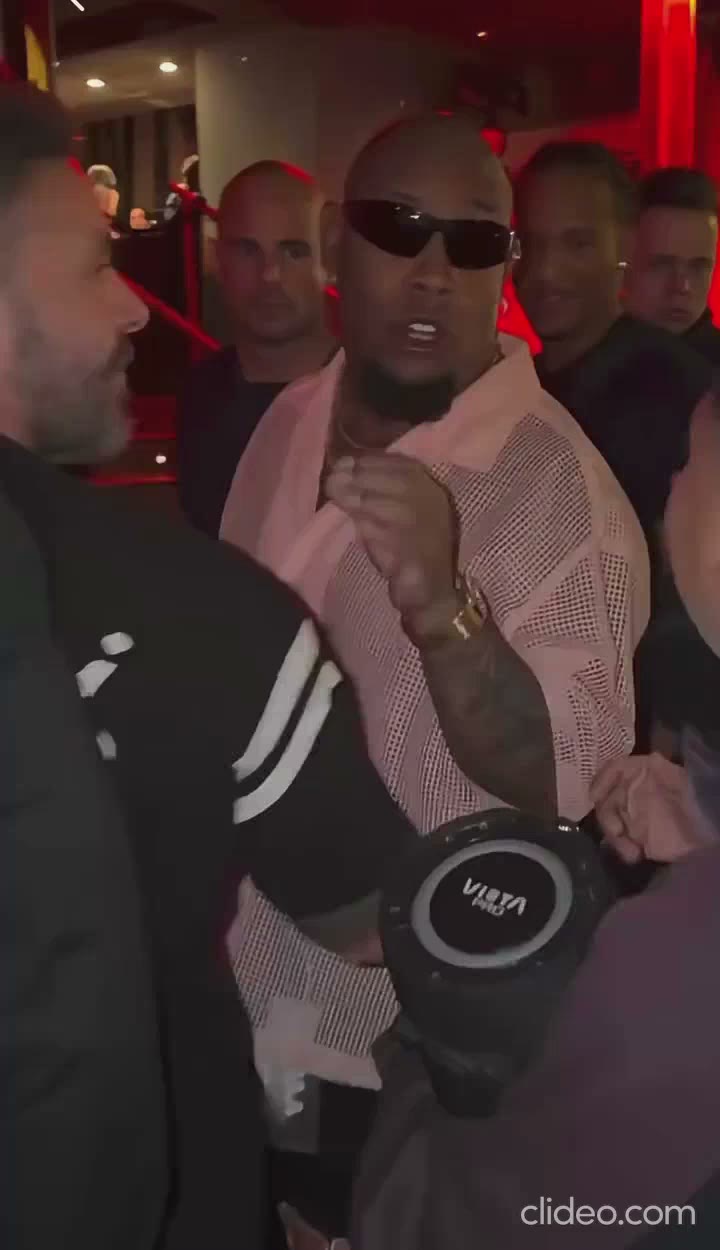
One scene available
Bulin-47 · night crowd
The world around the motion
This template is focused on the Bulin-47 club entrance. More scene choices can appear here as new templates are added.
Club entrance · selectedThe Bulin-47 scene
Bulin-47 recreates the feeling of arriving at a busy club entrance: red light, people gathered close, a lead subject in the middle and a handheld camera moving through the crowd. The result is designed as a short social video rather than a polished studio scene.
The template gives the generation a visual and motion starting point. Your photo personalizes the central person; it does not turn the page into a general-purpose video editor. Generated details can vary from one result to another.
Four steps from your phone or laptop. No editing timeline and no prompt to write.
Start on this page, follow progress in your dashboard, and come back when your video is ready.
Choose one clear, well-lit photo with a visible face. Only upload an image you have permission to use.
Select an available version and resolution. The credit total is shown before you generate.
Start generation and check its progress from your dashboard, even if you leave this page.
When it is ready, download your video and share it wherever you like.
Simple, one-time purchases
Choose a credit pack. Credits are added to your account after purchase and do not expire.
One-time payment · no subscription · unused credits do not expireMake a video
Questions before you start
Helpful details about photos, generation, credits and your finished video.
Choose one clear, front-facing photo with good lighting and a visible face. A single person in frame usually gives the most consistent result.
No. The template already provides the scene and motion direction. Upload a photo and select the generation options.
It depends on the selected version and quality. The exact total is shown in the generator before you confirm.
The credits for a failed generation are returned automatically.
Most renders take a few minutes. You can leave the page and check status in your dashboard later.
The template guides scene, framing and motion, but generated facial details and small visual elements can vary.
Only upload your own photo or an image of someone who has agreed to be included. Do not upload photos of minors or people who have not consented.
One photo, a prepared template and a few minutes to your video.